SEMrush gets recommended everywhere — blogs, YouTube, SEO Twitter. But most of that advice comes from people who already know SEO. What about someone who’s just starting out?
I’ve been using SEMrush for over 5 years across my own sites and client projects. The honest answer isn’t a simple yes or no. SEMrush is genuinely powerful, but there’s a learning curve that nobody talks about — and a pricing reality that matters a lot when you’re just getting started.
This article breaks all of that down clearly so you can decide if it actually makes sense for where you are right now.
Quick Answer: Yes, SEMrush works well for beginners — but only if you know which features to focus on first. The platform has 55+ tools, and trying to use everything at once will overwhelm you. Start with Keyword Magic Tool, Position Tracking, and Site Audit. That’s it. Everything else comes later.
This post contains affiliate links. If you purchase through our links, we may earn a small commission at no extra cost to you. Thank you for your support!What SEMrush Actually Does (Without the Marketing Fluff)
SEMrush is an all-in-one SEO platform. At its core, it helps you answer three questions:
- What keywords should I target?
- What’s wrong with my website technically?
- What are my competitors doing that I’m not?
It pulls data from search engines and its own crawlers to give you visibility into organic rankings, backlinks, site health, and competitive gaps. The database is one of the largest in the industry — 25+ billion keywords and data from 800 million+ domains.
That scale is what makes it useful. But it’s also what makes it feel heavy when you first log in.
The Beginner Reality: What’s Easy and What Isn’t
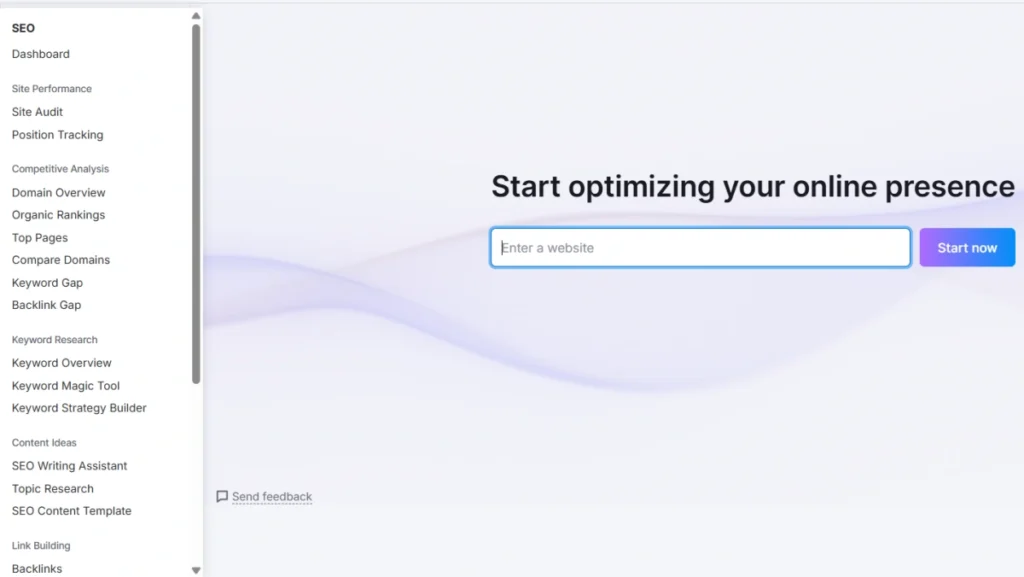
Let me be straightforward about this. The first time most people open SEMrush, they feel lost. The left sidebar alone has 10+ tool categories. Reports show numbers without context. It’s genuinely a lot.
That said, the learning curve flattens fast once you stop trying to use everything and just pick 3 tools to start with.
Tools beginners can use within the first week:
- Keyword Magic Tool — type a topic, get keyword ideas with volume and difficulty scores. Simple.
- Domain Overview — paste any competitor URL, see their traffic, top pages, and keywords. Very intuitive.
- Site Audit — run a crawl of your site, get a health score, fix the errors it flags. Straightforward.
Tools that need more SEO knowledge first:
- Backlink Gap, Log File Analyzer, API access, Share of Voice — these require context to interpret correctly.
The gap is real. SEMrush is not designed specifically for beginners — it’s designed for professionals and agencies. But beginners can absolutely use it effectively if they stay focused on the basics.
The 4 Features That Actually Matter for Beginners
1. Keyword Magic Tool — Your Starting Point for Every Article
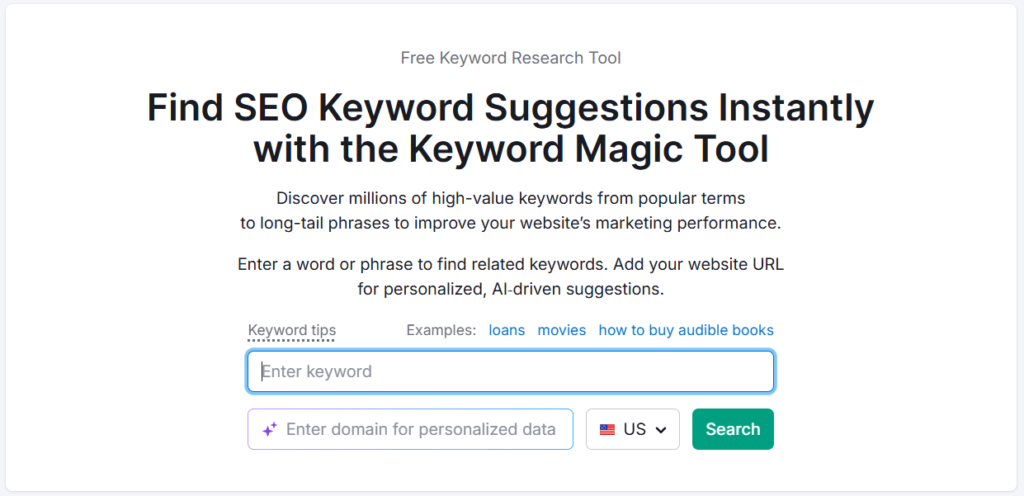
This is where most beginners should spend 80% of their time in the first few months. Enter a seed keyword, and SEMrush gives you thousands of related keyword ideas with search volume, keyword difficulty (KD%), CPC, and search intent filters.
For a new site, target keywords with KD% under 40. These are realistic to rank for without a strong backlink profile. The intent filter (Informational / Commercial / Navigational / Transactional) is something competitors like Ubersuggest don’t offer as cleanly — it helps you decide whether to write a blog post or a product page.
From what I’ve observed while building out niche affiliate sites, filtering by “Informational” + KD under 30 consistently surfaces topics that are genuinely rankable within 3–6 months with decent on-page work.
2. Position Tracking — See If Your SEO Is Actually Working
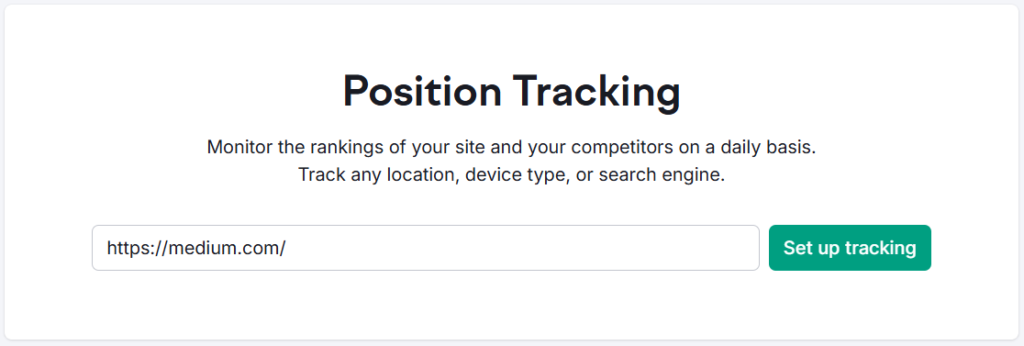
You can’t improve what you don’t measure. Set up a project for your domain, add your target keywords, and SEMrush checks your Google rankings daily. When a post starts moving from position 22 to position 8, you know the optimization worked.
This is one of those features that sounds basic but changes how you approach content. It turns SEO from guesswork into something you can actually track.
3. Site Audit — Fix What Google Can’t Ignore
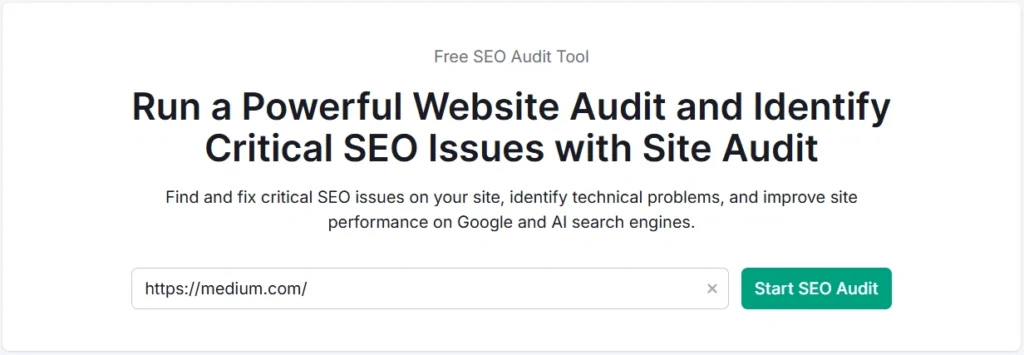
A technically broken site ranks poorly regardless of how good the content is. SEMrush’s Site Audit crawls your entire website and flags issues across crawlability, Core Web Vitals, internal linking, duplicate content, missing meta tags, and more.
What I find useful here is the priority sorting. It doesn’t just dump a list of 200 issues — it tells you which ones are critical (Errors), which are moderate (Warnings), and which are low-priority (Notices). For a beginner managing a site solo, that prioritization is genuinely helpful.
On a client WordPress site I worked on, the audit surfaced 43 pages with duplicate title tags that were silently hurting rankings. None of them were obvious from the front end.
4. Domain Overview + Keyword Gap — Steal Your Competitor’s Strategy
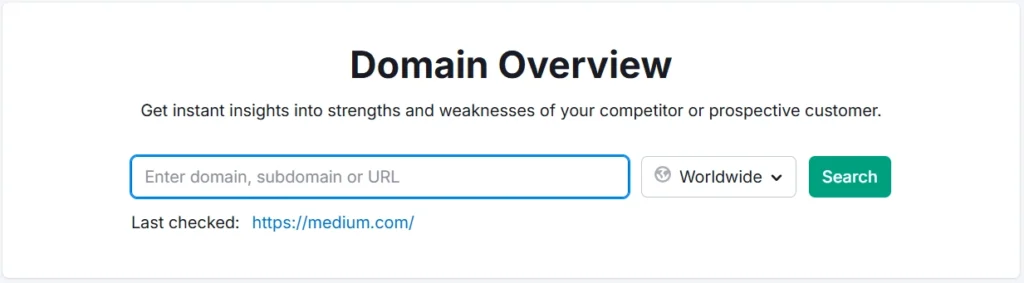
Enter a competitor’s domain into Domain Overview and you’ll see their top traffic pages, top keywords, and backlink count. This tells you exactly what’s working in your niche before you write a single word.
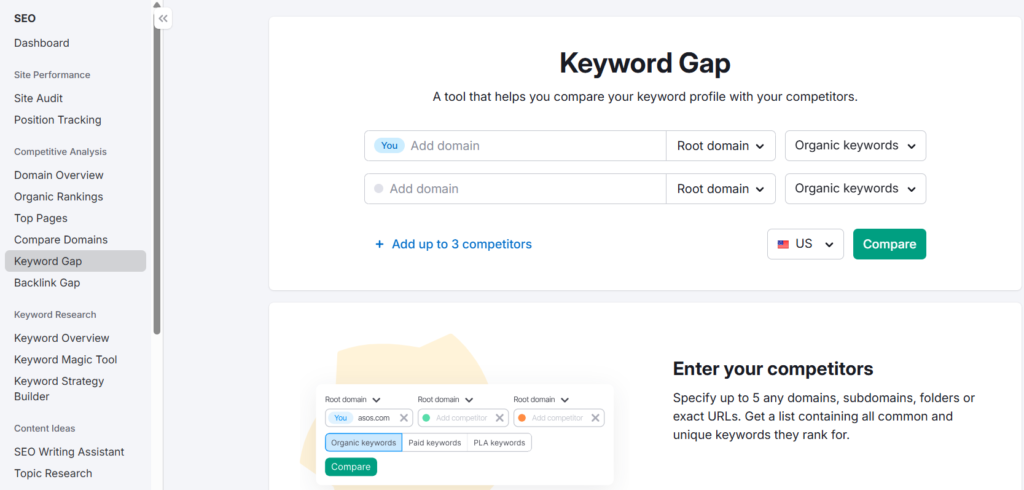
The Keyword Gap tool goes further — compare two domains side by side and find keywords your competitor ranks for that you don’t. Those gaps are your content roadmap.
SEMrush Pricing: What You’ll Actually Pay
This is the part most beginner-focused articles skip. Let me lay it out properly.
SEO Classic Plans
These are the traditional plans built around keyword research, site audit, backlink analysis, and position tracking.
Monthly pricing:
| Plan | Monthly Price | Best For |
|---|---|---|
| Pro | $139.95/mo | Beginners & individual projects |
| Guru | $249.95/mo | Small businesses |
| Business | $499.95/mo | Agencies & mid-market companies |
Annual pricing (save up to 17%):
| Plan | Annual Price (billed monthly) | Annual Savings vs Monthly |
|---|---|---|
| Pro | $117.33/mo | ~$270/year |
| Guru | $208.33/mo | ~$499/year |
| Business | $416.66/mo | ~$999/year |
For most beginners, Pro is the right starting point. It gives you 5 websites to monitor, 500 keywords to track daily, keyword research tools, competitor analysis, backlinks, Site Audit, and MCP Access. That’s plenty to work with.
The jump to Guru ($208.33/mo annually) makes sense when you need historical data, content optimization tools, multi-location tracking, or you’re managing 15+ sites.
Try SEMrush SEO Free for 7 Days →
Semrush One — The Newer AI-Focused Plan
Semrush One is a newer plan positioned as “traditional SEO + AI search + GEO.” It’s currently at introductory pricing.
Monthly pricing:
| Plan | Monthly Price |
|---|---|
| Starter | $199/mo |
| Pro+ | $299/mo |
| Advanced | $549/mo |
Annual pricing:
| Plan | Annual Price (billed monthly) |
|---|---|
| Starter | $165.17/mo |
| Pro+ | $248.17/mo |
| Advanced | $455.67/mo |
Semrush One adds AI visibility features — tracking how your brand appears in AI-generated answers (ChatGPT, Perplexity, Google AI Overviews), AI brand performance monitoring, and GEO-related insights. Starter includes 1 domain for AI brand performance, 50 AI prompts to track daily, and 300 AI visibility reports per day.
For most beginners: the Classic SEO Pro plan is the right call. Semrush One makes more sense when you’re specifically trying to track and improve your brand’s visibility in AI-powered search results — a newer use case that beginners generally don’t need to prioritize on day one.
Try SEMrush One Free for 7 Days →
Add-Ons (Worth Knowing About)
| Add-On | Price | What It Does |
|---|---|---|
| Additional Users | From $45/mo | Multi-seat access for teams |
| Lead Generation | $90/mo | Agency partner profile + 1,000 Lead Finder credits |
| Base Report | $10/mo | Automated reports from 20+ tools, PDF export |
| Pro Report | $20/mo | All Base Report features + white-labeling + AI summaries |
Is There a Free Trial?
Yes. SEMrush offers a 7-day free trial on paid plans via certain links. This gives you full access to Pro-level features before committing. I’d strongly recommend using the trial to run a Site Audit on your domain and explore the Keyword Magic Tool before paying.
Where SEMrush Falls Short for Beginners
Being honest here matters more than making a sale.
1. It’s expensive for someone just starting out. $117.33/mo (annual) is a real number. If you’re pre-revenue or in the first 3 months of a blog, that’s hard to justify. There are cheaper alternatives that cover the basics.
2. Data overload is real. The platform shows you so much that beginners often spend hours analyzing instead of creating. Analysis paralysis is a genuine risk.
3. The interface has a learning curve. Finding specific reports isn’t always intuitive. Projects, campaigns, and tools are spread across different sections.
4. Backlink data, while extensive, can occasionally lag on very new links. For fast-moving campaigns, Ahrefs tends to index new backlinks faster.
Pros and Cons
Pros
- Keyword Magic Tool is one of the best in the industry — search intent filtering is genuinely useful
- Site Audit is detailed and beginner-friendly in how it prioritizes issues
- Domain Overview gives you competitor intelligence in under 60 seconds
- Position tracking with daily updates is reliable and easy to read
- 7-day free trial lets you test before buying
- Historical data on Guru+ lets you spot seasonal keyword trends
- Semrush One adds AI visibility tracking — useful as AI search becomes more prominent
Cons
- $139.95/mo (monthly) or $117.33/mo (annually) is steep for beginners with zero revenue
- 55+ tools creates a decision paralysis problem for new users
- JavaScript rendering in Site Audit only available from Guru plan upward
- Share of Voice and API access locked to Business/Advanced tier
- Only 1 user included on all classic plans — additional users start at $45/mo
SEMrush vs Cheaper Alternatives — Is It Worth the Price?
| Feature | SEMrush Pro | SE Ranking Core | Mangools Basic | Ubersuggest Individual |
|---|---|---|---|---|
| Monthly Price | $139.95/mo | $129.00/mo | $30.50/mo | ₹1,135/mo |
| Annual Price | $117.33/mo | $103.20/mo | $18.85/mo | ₹630.83/mo |
| Lifetime Option | No | No | No | ₹11,350 (one-time) |
| Keywords to Track Daily | 500 | 2,000 | 200 kws/∞ domains | 125/domain/weekly |
| Site Audit (pages) | 100,000/mo | 250,000/mo | 20 req/24h | 1,000/domain/weekly |
| Backlink Data | Extensive | Unlimited research | 100k/mo | 2,000 backlinks |
| Competitor Analysis | Deep | Unlimited | Good | 5 competitors |
| GEO / AI Search Tracking | Via Semrush One | Via AI Search add-on (+$89/mo) | AI Search Watcher PRO (included) | Basic AI visibility (free version) |
| Free Trial | 7 days | 14 days (no credit card) | 48-hr money-back | Free trial available |
| Try It | SEMrush → | SE Ranking → | Mangools → | Ubersuggest → |
Which tool is right for you?
SE Ranking is the closest competitor to SEMrush Pro in terms of depth, and it’s actually cheaper — $103.20/mo annually vs $117.33/mo for SEMrush. The Core plan gives you 2,000 keywords to track daily (vs 500 on SEMrush Pro), 250,000 audit pages per month, unlimited keyword and backlink research, plus GEO research out of the box. The AI Search add-on is available separately at +$89/mo. For someone who needs serious SEO depth at a lower price point, SE Ranking deserves a real look.
Mangools at $18.85/mo annually is the most budget-friendly option on this list. It now bundles AI Search Watcher PRO in all plans, which tracks 500 prompts with unlimited monitors across multiple AI platforms. The keyword research (via KWFinder) is clean and beginner-friendly. The limitation is depth — site analysis is capped at 20 requests per 24 hours on Basic, and competitor research isn’t as granular as SEMrush or SE Ranking. Best suited for solo bloggers and freelance SEOs who primarily need keyword research and rank tracking.
Ubersuggest has an interesting angle: the lifetime deal (₹11,350 for Individual) removes the monthly subscription entirely. For someone who commits to SEO long-term but has a tight monthly budget, that one-time payment can make sense. The data depth is lighter than SEMrush — 1,000 page scans per domain per week and 125 tracked keywords per domain per week won’t suit high-volume SEO work. But it comes with 20 hours of SEO course videos and includes ChatGPT and Gemini integration in keyword research.
SEMrush still wins on data quality, keyword database size, and overall breadth of tooling — especially once you go beyond beginner-level SEO. The 7-day free trial is the right way to evaluate it before committing.
What to Do After Buying SEMrush (Don’t Skip This)
The biggest mistake beginners make after subscribing: they try to explore everything at once. Don’t do that.
Week 1 — Set up your foundation:
- Create a Project for your website
- Run a full Site Audit and fix all Errors first
- Add your 10–15 target keywords to Position Tracking
Week 2–3 — Start keyword research properly:
- Use Keyword Magic Tool with KD under 40 filter
- Check competitor top pages using Domain Overview
- Build a content calendar from 15–20 keyword targets
Key settings to configure:
- Set Position Tracking to your target location and device (mobile + desktop separately if you need both)
- Enable weekly Site Audit reschedule so issues get caught automatically
- Set up email notifications for ranking drops above 5 positions
Avoid these early mistakes:
- Don’t obsess over Authority Score numbers — they’re directional, not absolute
- Don’t chase high-volume keywords as a new site — you’ll lose every time
- Don’t ignore the “Errors” tab in Site Audit thinking content matters more
Frequently Asked Questions
Is SEMrush free to use?
SEMrush has a limited free account that gives you 10 keyword searches per day, basic site audit on 100 pages, and limited domain overview data. It’s enough to test the UI but not enough for real SEO work. For actual usage, the 14-day free trial on the Pro plan is a much better way to evaluate it properly.
Which SEMrush plan is best for beginners?
The SEO Classic Pro plan at $117.33/mo (billed annually) is the right starting point. It covers 5 websites, 500 daily tracked keywords, full keyword research, site audit up to 100,000 pages, competitor analysis, and backlinks. That’s genuinely enough for a beginner managing 1–2 sites.
Is SEMrush beginner-friendly?
Moderately. The core tools — Keyword Magic Tool, Domain Overview, and Position Tracking — are intuitive. The overall platform has a learning curve because of its sheer size. Most beginners find their footing within 2–3 weeks of regular use.
Can I use SEMrush for free permanently?
The free account is permanent but heavily limited. 10 keyword searches/day and capped report access won’t support any real SEO workflow. Think of it as a preview, not a working plan.
Does SEMrush help with AI search visibility?
Yes — through Semrush One. The AI visibility features track how your brand appears in AI-generated answers across platforms like ChatGPT and Google AI Overviews. This is a newer use case and more relevant for established brands than day-one beginners.
How long before SEMrush shows results?
The tool shows you data immediately. Actual ranking improvements from using SEMrush’s insights typically take 60–120 days depending on site age, competition level, and publishing frequency. The tool doesn’t rank your site — your content and technical work does.
Final Verdict
SEMrush is a genuinely good SEO tool for beginners — but only if you approach it correctly. Don’t subscribe expecting a magic button. Subscribe expecting a research and analysis system that helps you make smarter decisions about what to write, what to fix, and what your competitors are doing.
The pricing is real and worth acknowledging. At $117.33/mo annually, it’s an investment. But the 14-day free trial means there’s no reason not to test it properly before committing.
If you’re pre-revenue with a new blog, start with the free trial, run your Site Audit, do your first round of keyword research, and judge it by what you actually find. That’s a more honest evaluation than any article can give you.